How to migrate an institute off spreadsheets
An LMS migration plan in four steps: what to move first, what to leave behind, and why the order matters more than the tooling.
Guide
Self-host the whole LMS with one Docker compose file and three commands, no cloud account — and what you take on by running it yourself.
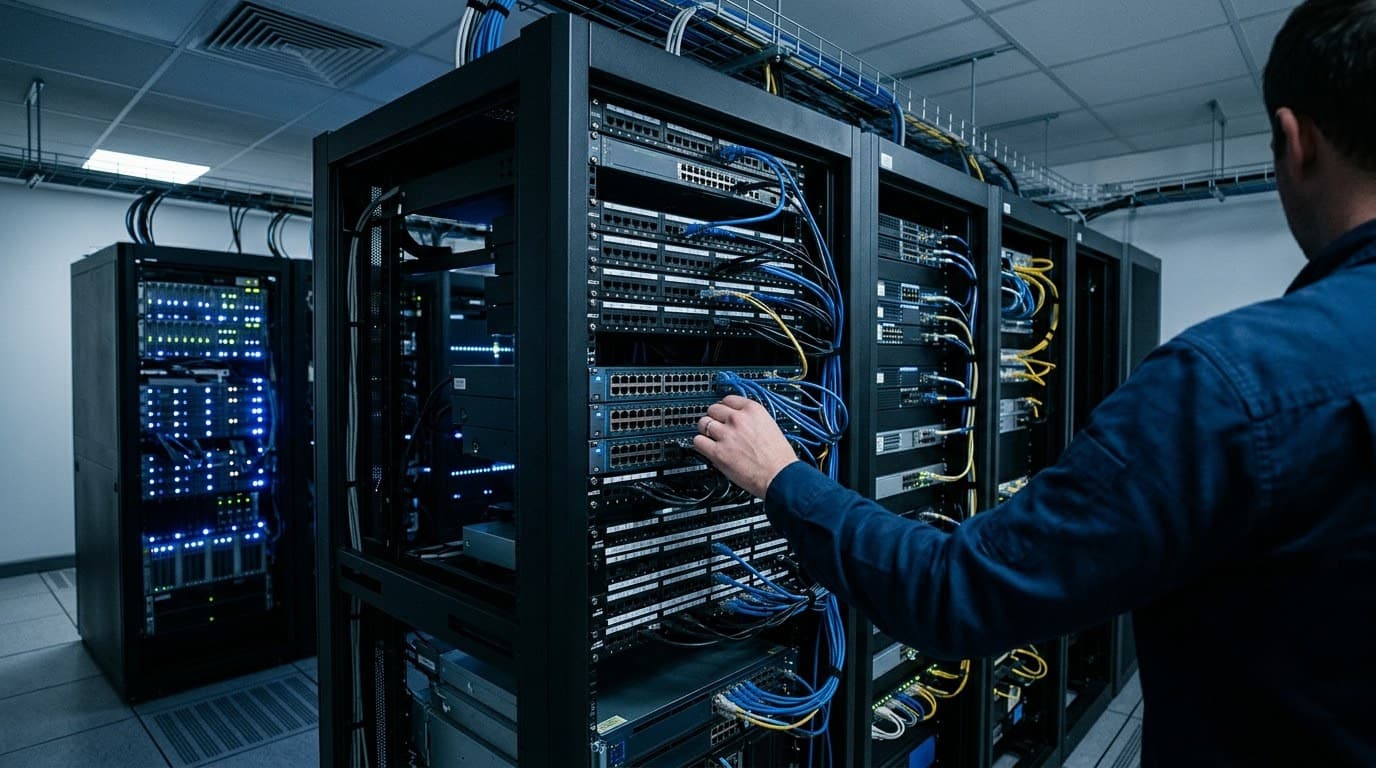
The whole platform boots from one compose file: API, worker, PostgreSQL, Redis, object storage, search and a mail catcher. No cloud account, no licence key, no phone-home.
docker compose up -d
pnpm db:migrate && pnpm db:rls && pnpm db:seed
pnpm --filter @akechi/api worker:devThe second line is three steps for a reason. Migrations create the schema. Row-level security is applied separately, from the database catalogue, so a table added later is covered automatically — a policy living in one migration is a policy somebody forgets on the next table. The seed creates the permission catalogue, the role templates and, optionally, a demo institute.
Email is written to a transactional outbox in the same transaction as the thing that caused it, then drained by a worker. Without the worker nothing is lost, but nothing is sent either. Run exactly one copy: its jobs claim no rows, so a second double-sends.
An LMS migration plan in four steps: what to move first, what to leave behind, and why the order matters more than the tooling.
Role-based access control for an institute, explained without jargon — and why a role name should never appear anywhere in the code.
Online exam integrity without proctoring software: what a browser can honestly report, what it cannot, and what actually reduces cheating.
A hundred seats, twenty-five courses and no conversation. If you would rather see it driven by someone who knows it, that takes twenty minutes.
Or open the sandbox (opens in a new tab) and click around first. No form.